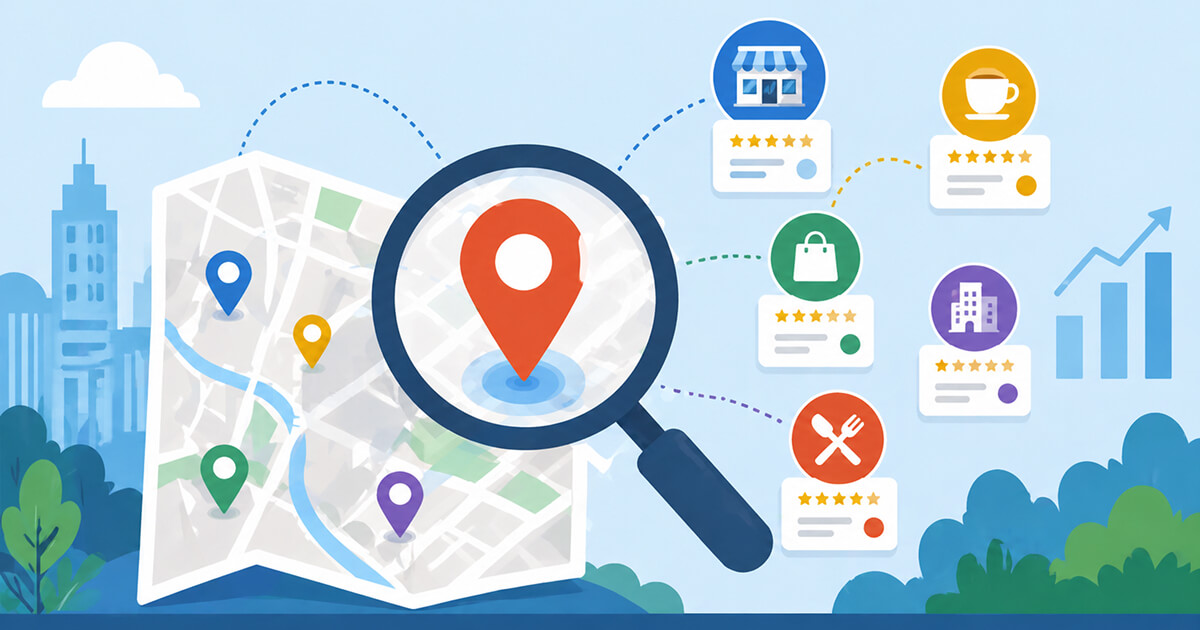
Maps integration is no longer an optional marketing channel—it’s the primary way customers discover local businesses. Approximately 20% of all online searches begin directly on Google Maps or Apple Maps, and 51% of consumers rely on Google Maps specifically to research and select local stores. If your business isn’t optimized for map discovery, you’re invisible to a massive, high-intent audience.
How Maps Have Become Discovery Engines
Gone are the days when maps were just for navigation. Today, users open Google Maps or Apple Maps to search for “restaurants open now,” “pharmacies near me,” or “plumbers with 5-star ratings.” These platforms have evolved into full-fledged search engines with rich business profiles, photos, reviews, Q&A sections, and even direct booking links. When a customer finds you on a map app, they can call, get directions, read recent feedback, and check your busy hours—all without leaving the map interface.
The local pack (the top three map results shown on Google search) captures 44% of all clicks for local queries. Businesses that appear there receive 126% more traffic than those ranked lower, and 93% more user actions like calls and direction requests. Missing map visibility means missing the majority of local discovery opportunities.
Multi-Platform Optimization for 2026
While Google Maps dominates with over 1 billion monthly active users, you cannot ignore other platforms. Apple Maps holds a loyal iOS user base—approximately 1.5 billion active devices worldwide—and powers Siri’s local recommendations. Waze is essential for businesses near highways or high-traffic routes, as drivers actively seek gas stations, fast food, and rest stops. Bing Places feeds into Microsoft’s ecosystem, including Windows Maps and LinkedIn local services.
Start with Google Business Profile: select your primary category carefully, add 5–10 secondary categories, upload at least 100 photos (businesses with 100+ photos get 520% more calls), and enable messaging. For Apple Maps, use Apple Business Connect to claim your profile, add Showcases (promotional images), and monitor customer actions. On Waze, claim your business through Waze Local to display ads and accurate information to nearby drivers.
Consistency is critical. Use a location data management tool (like Yext, Moz Local, or BrightLocal) to push your NAP to all platforms simultaneously. Update for seasonal hours, special closures, or new services immediately across every map service.